
The Job Board helps Admins create, manage, and track job postings throughout the hiring process.
From the Job Board, Admins can create job postings, review candidates, track hiring progress, and manage job posting statuses.
Access Job Board:
Go to Job Board from the left-hand menu
The Job Board page will open and display the available job postings.
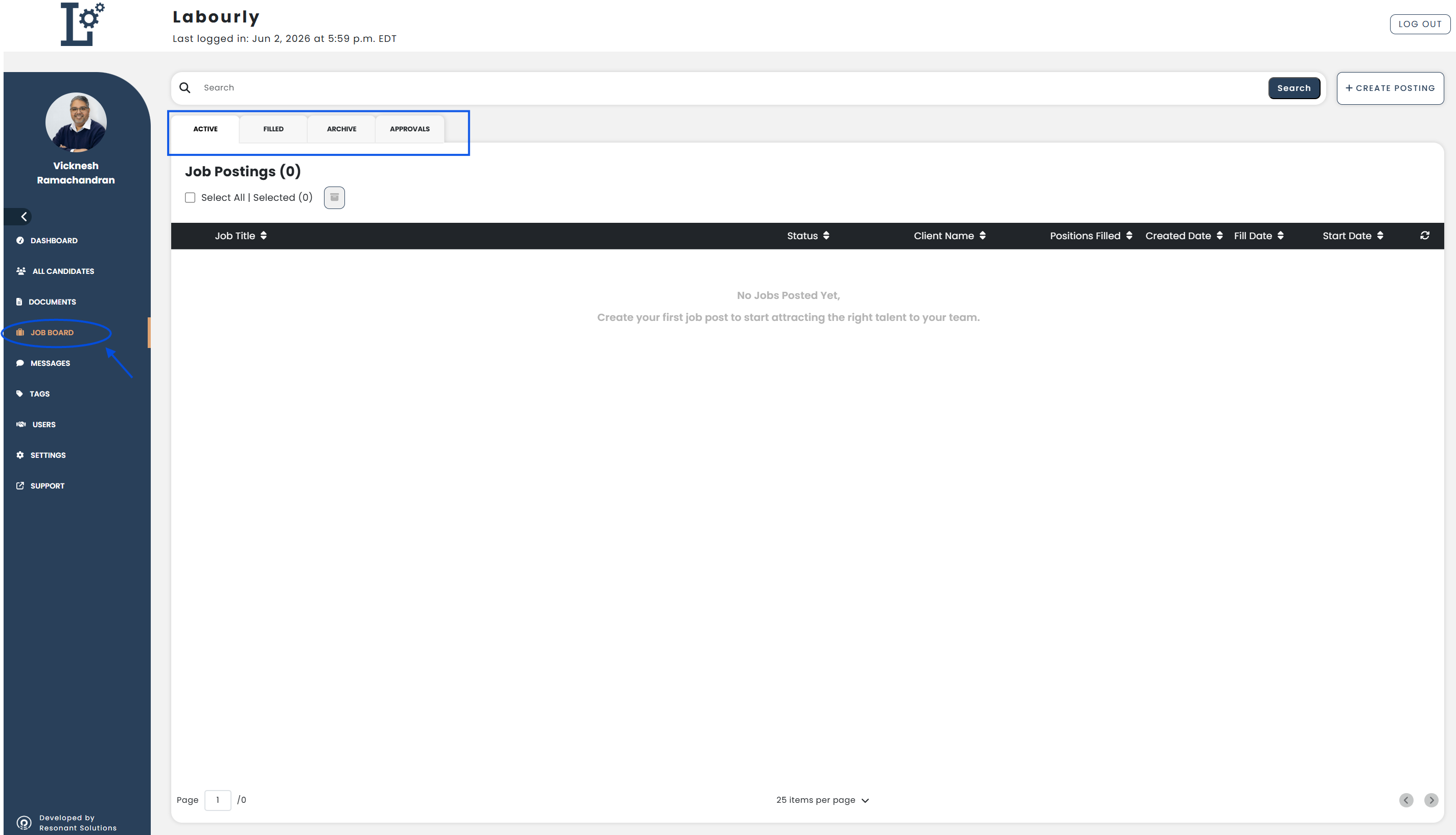
Job Board Tabs:
Active
Displays job postings that are currently being managed and have not yet been fully filled. This may include pending, partially filled, and unfilled job postings, regardless of the position start date or fill date.
Filled
Displays job postings that have been fully filled and completed.
Archive
Displays archived job postings that are no longer actively managed.
Approvals
Displays job postings that require approval before proceeding through the hiring process.
Job Board Features:
- Search for job postings
- Create new job postings
- View and manage existing job postings
- Review candidate matches
- Track hiring progress
- Manage job posting statuses
See also: