
You can manage candidate invitations from the INVITES section, including reviewing invitation details, monitoring invitation statuses, resending invitations, and deleting invitations when needed.
NOTE:
Accepted invitations remain visible in the INVITES section for tracking purposes.

Once a candidate accepts the invitation, they will also appear in the ALL candidate list.
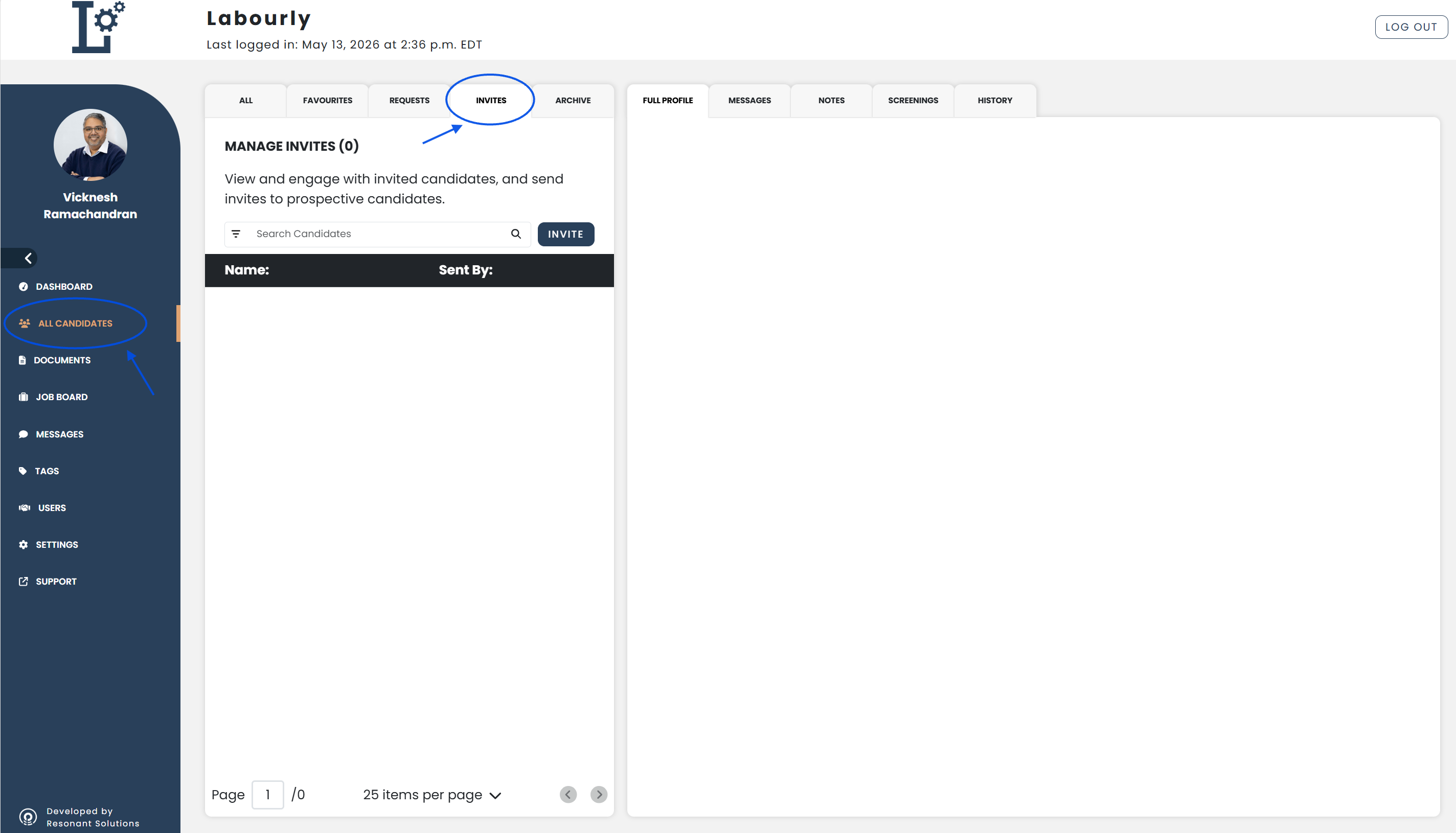
a. Access Candidate Invitations:
- Go to All Candidates from the left-hand menu
- From the candidate navigation panel, click INVITES
You will see the candidate invitations area.
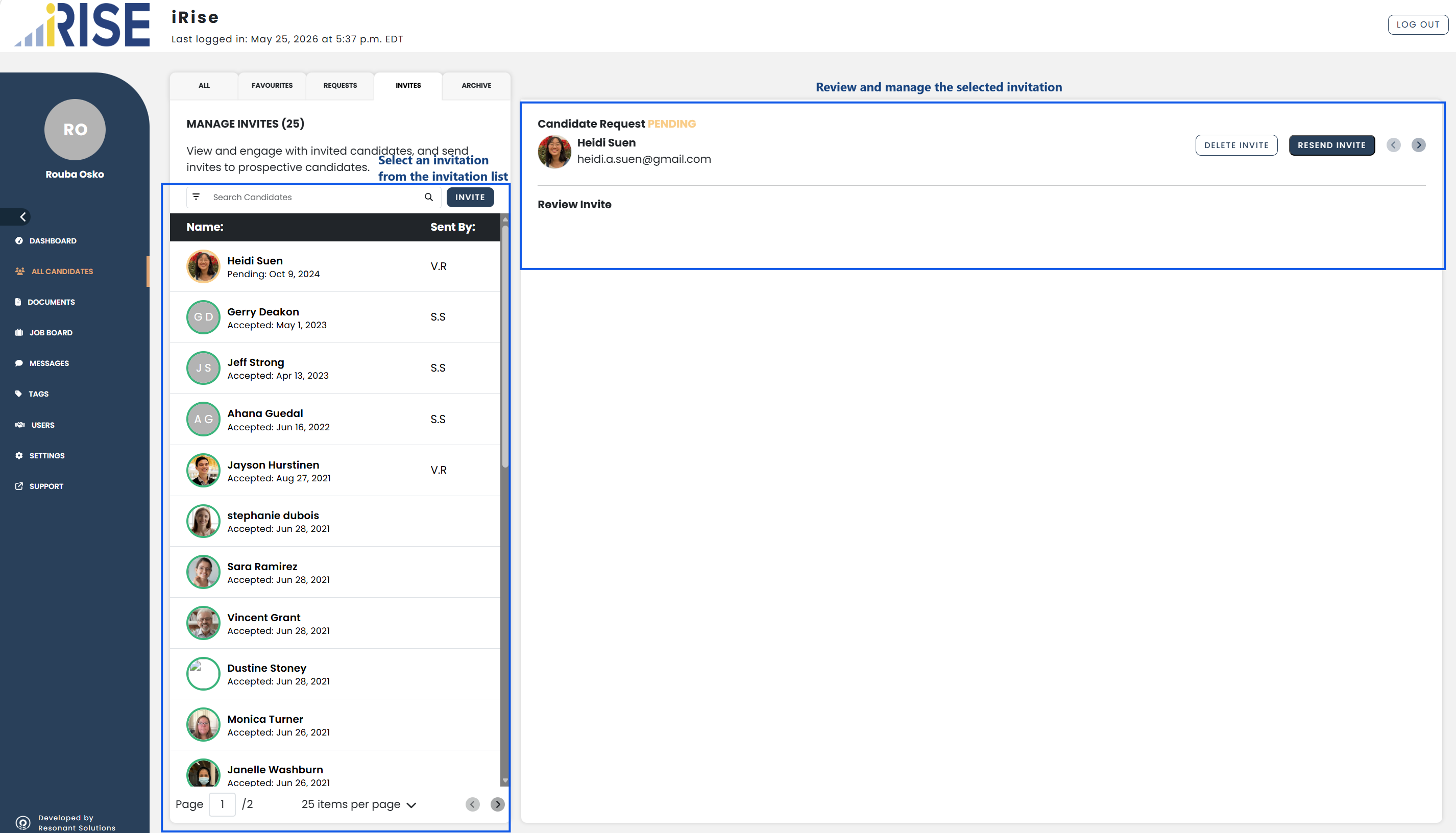
b. Review and Manage Invitations:
- Browse the invitation list
- Locate the invitation you want to review
- Select the invitation from the invitation list
The invitation details will open in the candidate profile area.
From this area, you can:
- Review invitation information
- Check invitation status
- Resend the invitation
- Delete the invitation
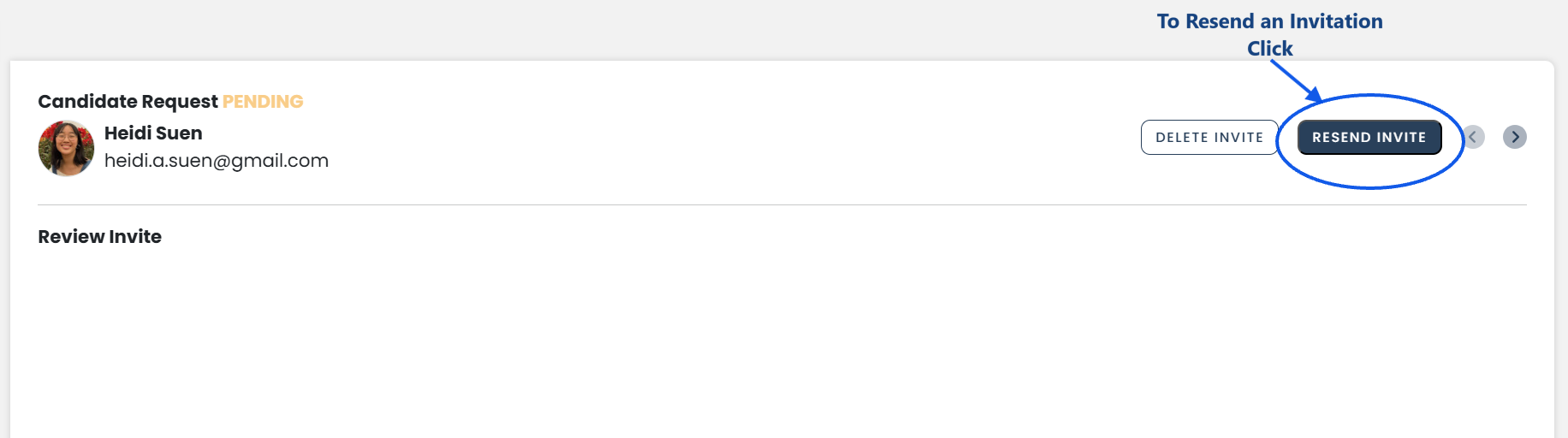
d. Resend an Invitation:
- Click RESEND INVITE
A new invitation email will be sent to the candidate.
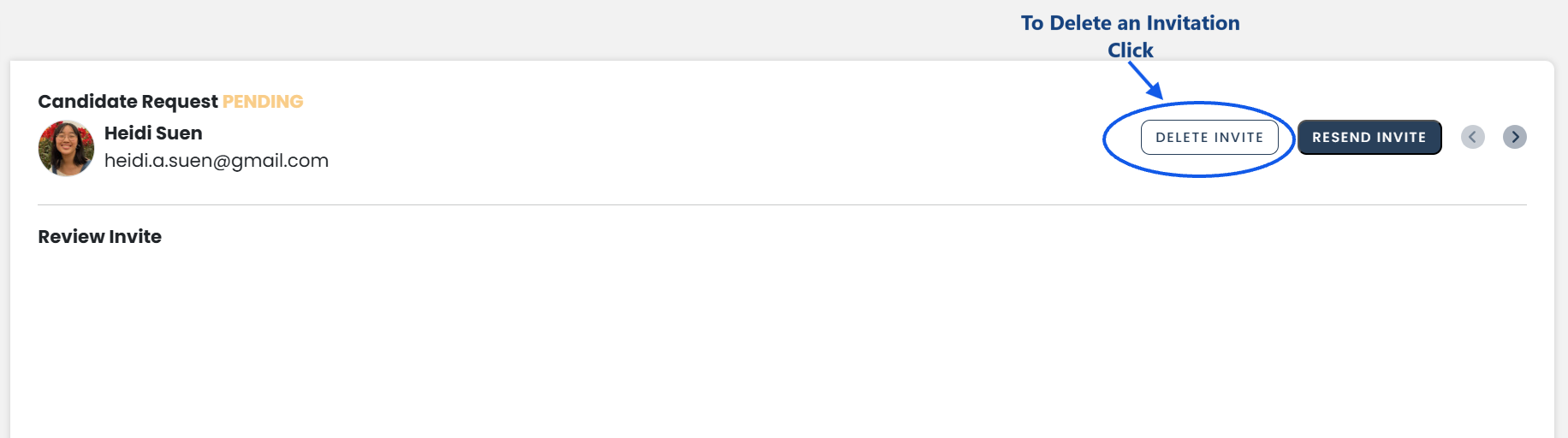
e. Delete an Invitation:
- Click DELETE INVITE
The selected invitation will be removed from the invitation list.
f. Verify:
- Return to the INVITES section
- Confirm that the invitation status and details are updated correctly
See also: