
The Documents section allows Admins to create, organize, and manage candidate requirements within Labourly.
From this section, you can manage:
- Certifications → Licensing and training qualifications specific to industry regulations
- Other Documents → Education, language, legal, and company-based information
Creating certifications and documents allows candidates to upload and maintain their professional files within the platform.
NOTE: Candidates cannot upload files until certifications or documents have been created.Access Documents:
- From the left-hand menu, click Documents
You will be taken to the Documents section where you can manage both certifications and other documents.
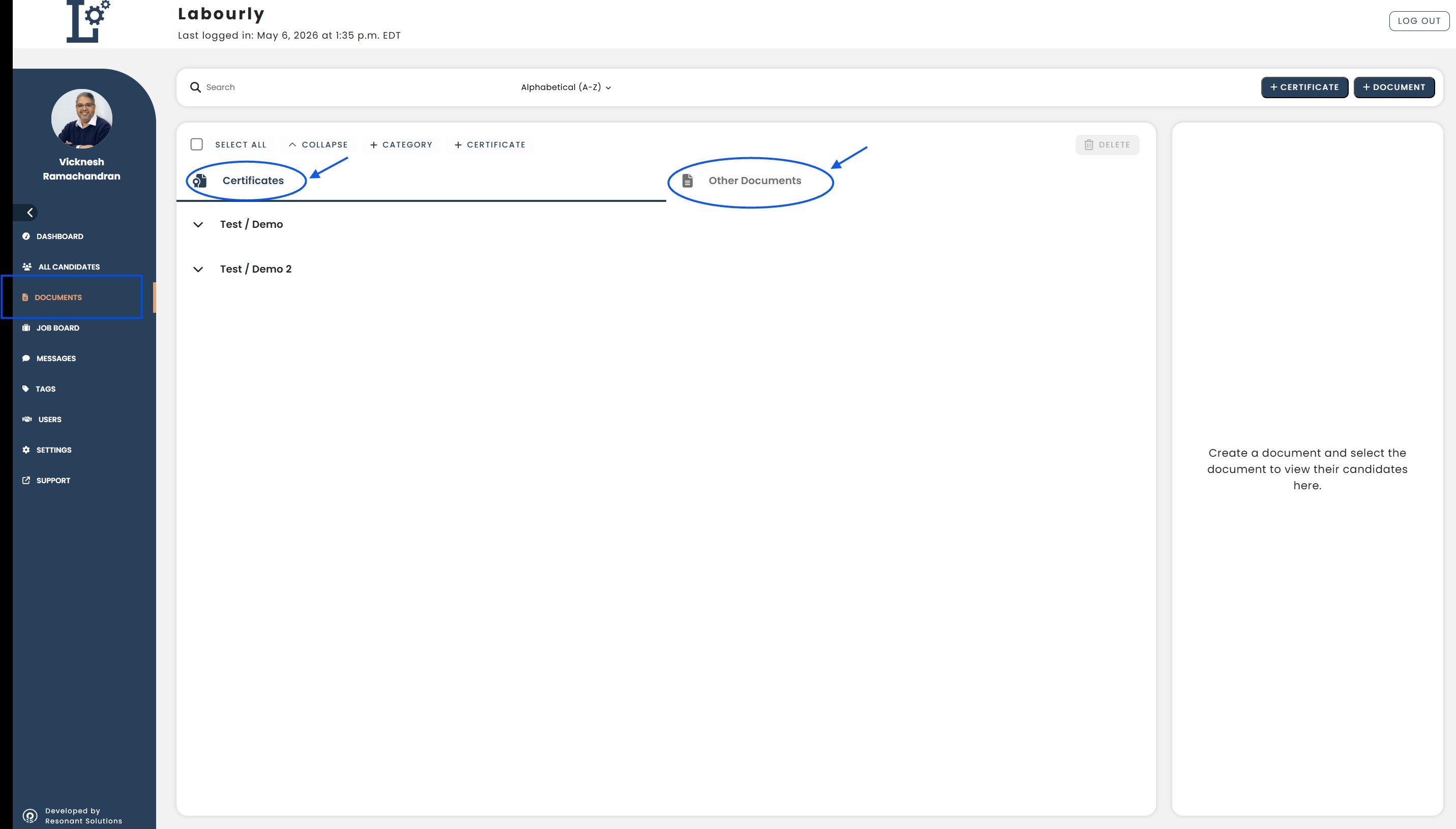
a. Certifications:
The Certificates section is used to manage licensing and training qualifications.
From this section, you can:
- Add certifications
- View certifications
- Edit certifications
- Organize certification categories
- Assign certifications to candidates
b. Other Documents:
The Other Documents section is used to manage general candidate documentation such as education, language, legal, and company-related documents.
From this section, you can:
- Add documents
- View documents
- Edit documents
- Organize document categories
- Assign documents to candidates
You can now begin managing certifications and documents within the Documents section.See also: