
Favourite Candidates allows you to quickly access and manage candidates marked as favourites.
Marking a candidate as a favourite helps simplify candidate tracking and makes it easier to find important candidates later.
NOTE: Candidates are not notified when they are favourited or unfavourited.
Access Favourite Candidates:
- Navigate to All Candidates from the left-hand menu
- From the candidate navigation panel, click FAVOURITES
All favourited candidates will appear in the favourites list.
From this section, you can:
- View favourited candidates
- Open and manage candidate profiles
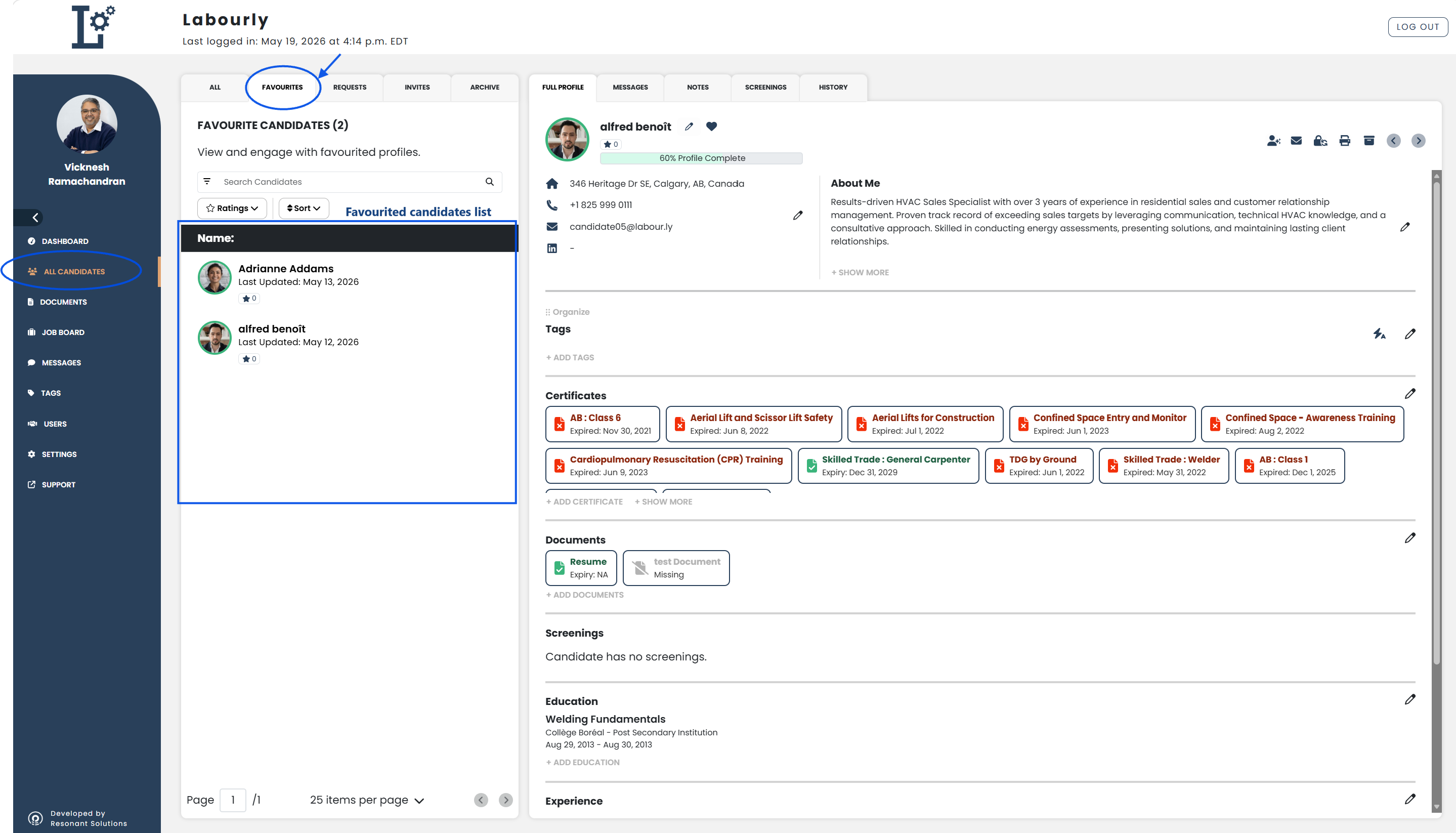
You can now quickly access and manage favourited candidates.
See also: