
Tags can be deleted when they are no longer needed.
NOTE: Deleting a tag removes it from all candidate profiles.
a. Access and Delete Tag(s):
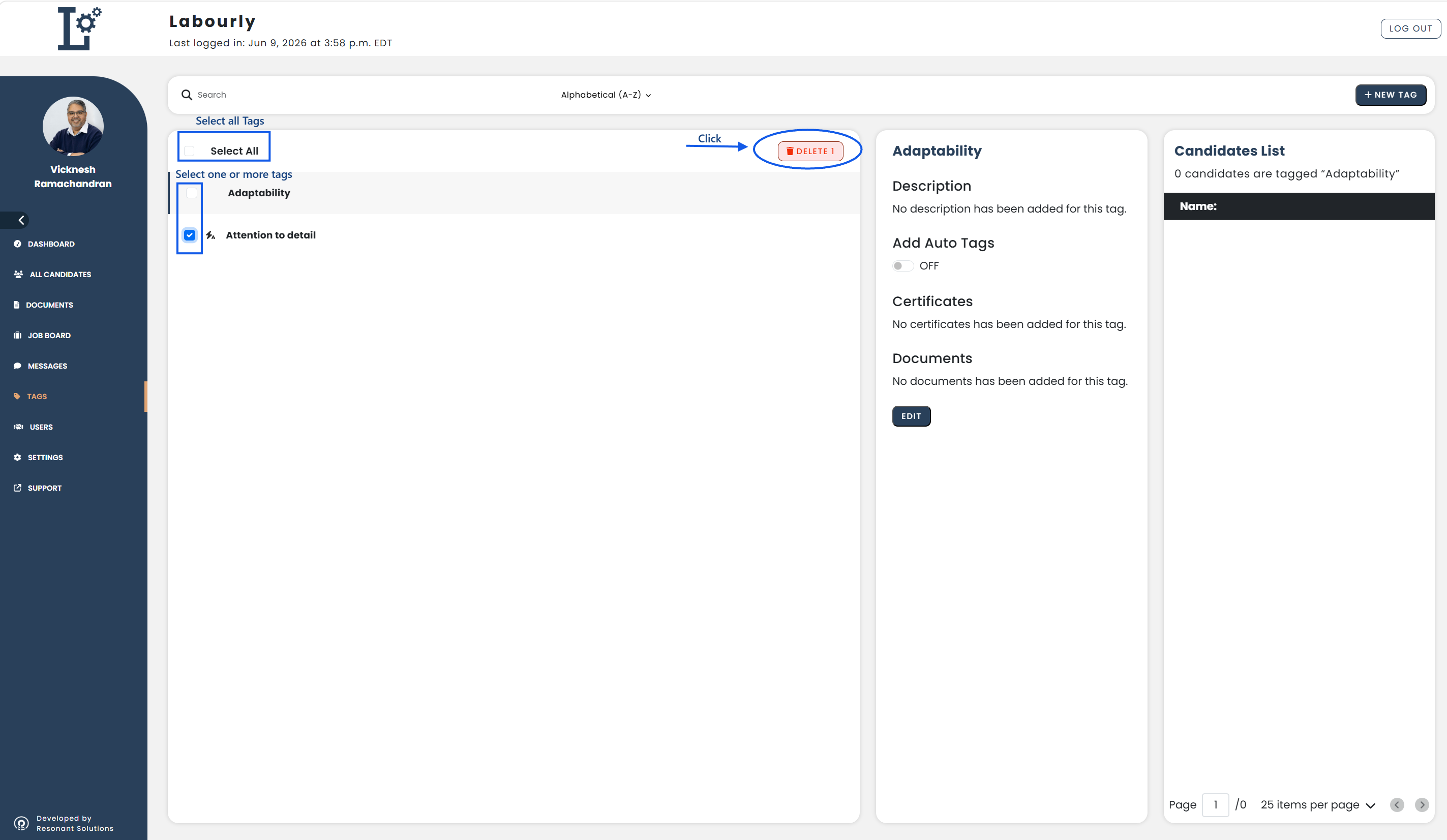
- Go to Tags from the left-hand menu
- Select the checkbox next to the tag(s) you want to delete
- You can select one or multiple tags at the same time
- To delete all tags in the list, click Select All at the top left
- Click DELETE
b. Verify:
- Return to the Tags section
- Confirm that the selected tag(s) no longer appear in the list
The selected tag(s) have been successfully deleted.
See also: