
Tags help organize and group candidates based on specific elements you find important, such as certification requirements, document requirements, or qualified candidates for job positions.
NOTE: Candidates can have multiple tags, and these tags are visible to all admins. Candidates cannot see your tags.
Access Tags:
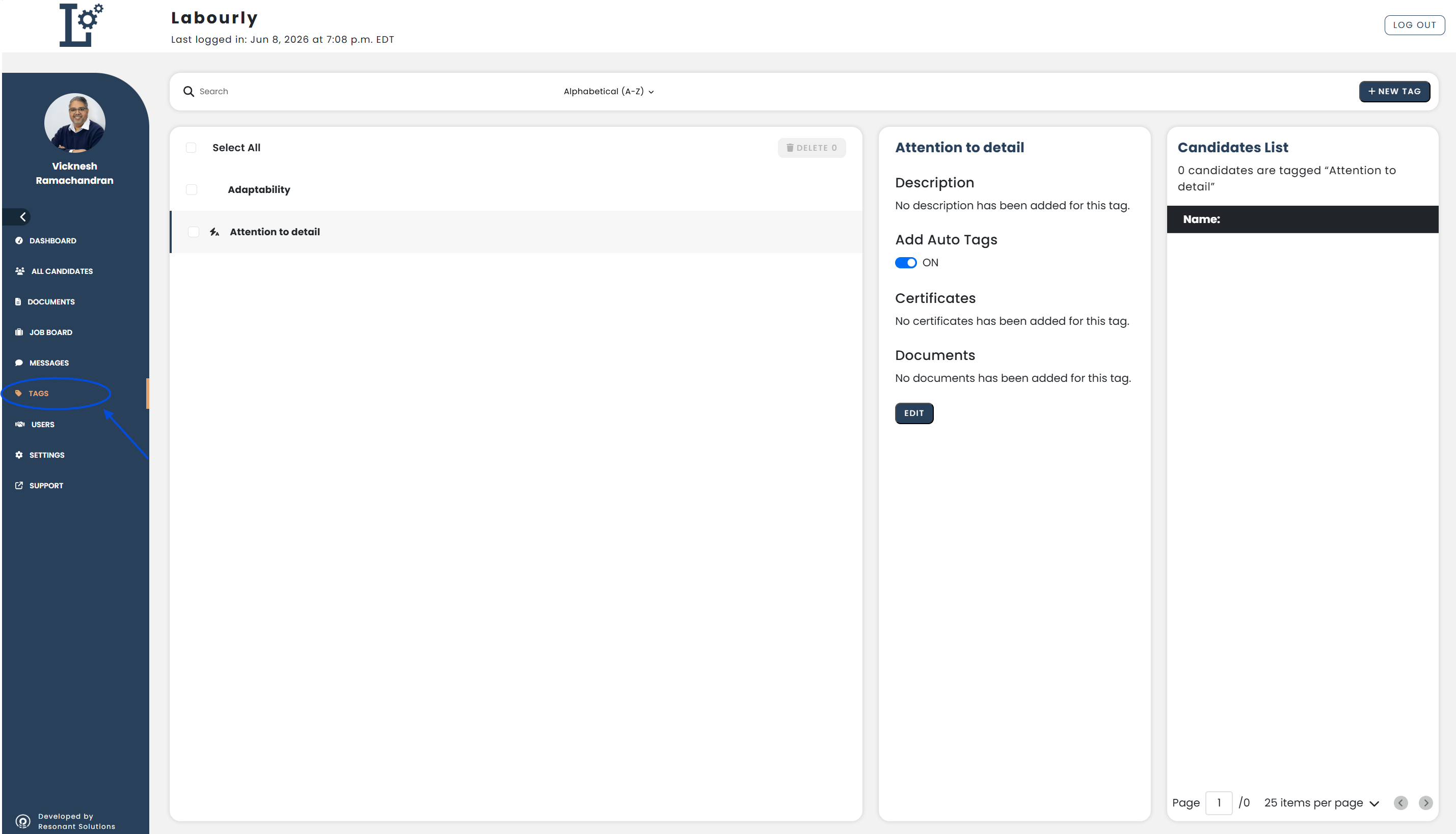
Go to Tags from the left-hand menu
The Tags page will open and display the available tags.
Tag Features:
- Search for tags
- Create new tags
- View existing tags
- Edit tag information
- Manage candidates assigned to tags
- Delete tags
You can now use Tags to organize and manage candidates.
See also: