
The Candidates section allows Admins to view, organize, and manage candidate profiles within Labourly.
From this section, you can manage candidate information, education, documents, tags, notes, messages and work experience.
NOTE: Candidates must be added or invited before they can appear in the Candidates section.Access Candidates:
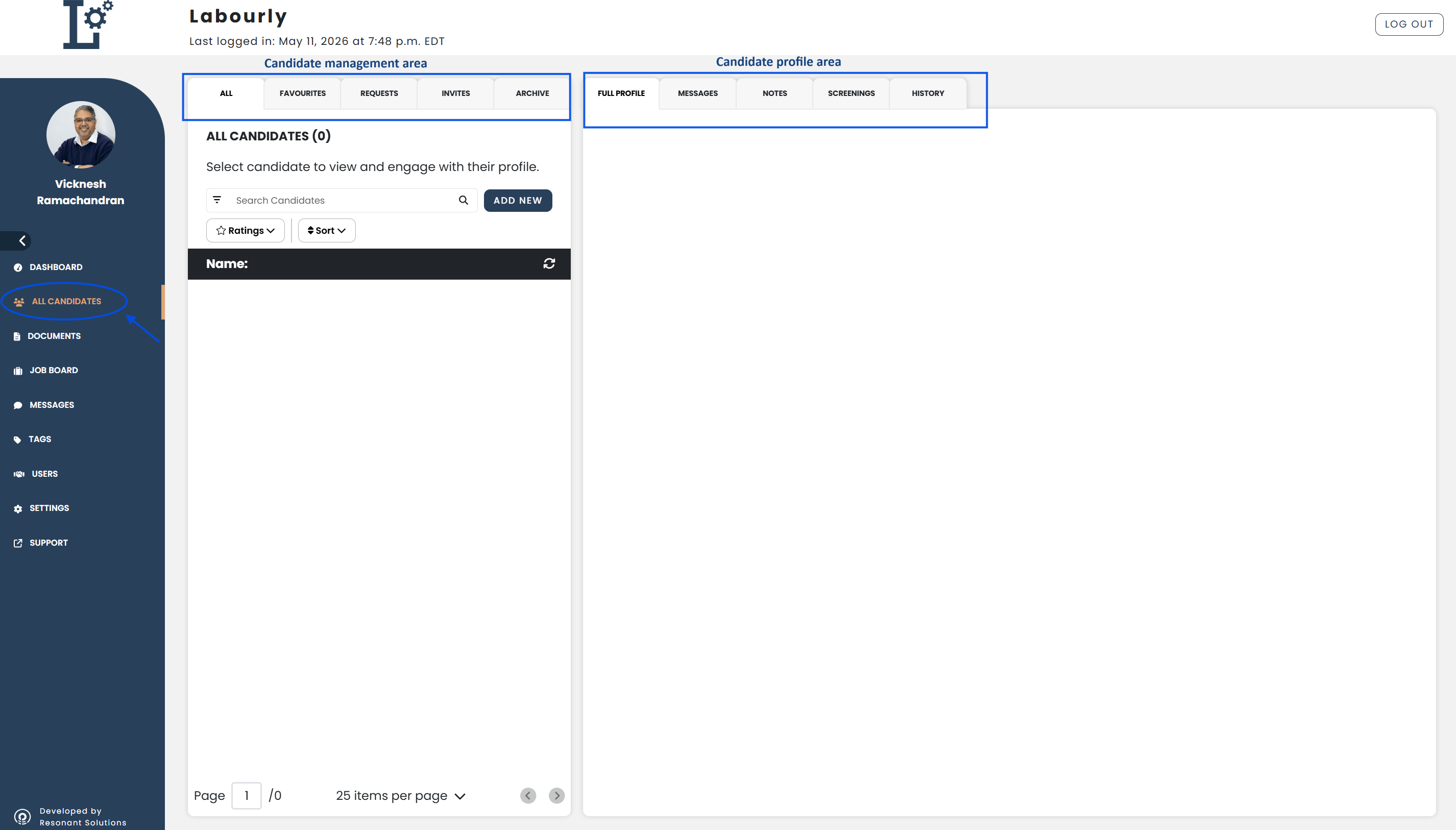
- Navigate to All Candidates from the left-hand menu
You will be taken to the Candidates section where you can view and manage candidate profiles.
What you can do in Candidates:
From this section, you can:
- View candidate profiles
- Add or invite candidates
- Edit candidate information
- Manage candidate tags
- Manage candidate certifications
- Manage candidate documents
- Manage candidate notes
- Manage candidate messages
- Manage candidate education
- Manage candidate work experience
- Favourite or unfavourite candidates
- Search, filter, and organize candidates
You can now begin managing candidates within the Candidates section.See also: