
Certification categories help organize certifications into clear groups, making them easier to manage, search, and assign to candidates.
NOTE: Categories are managed within the Certificates section of the Documents area.Access Certification Categories:
- Navigate to the Documents section from the left-hand menu
- Click Certificates
Existing categories will appear in the category list under the Certificates section.
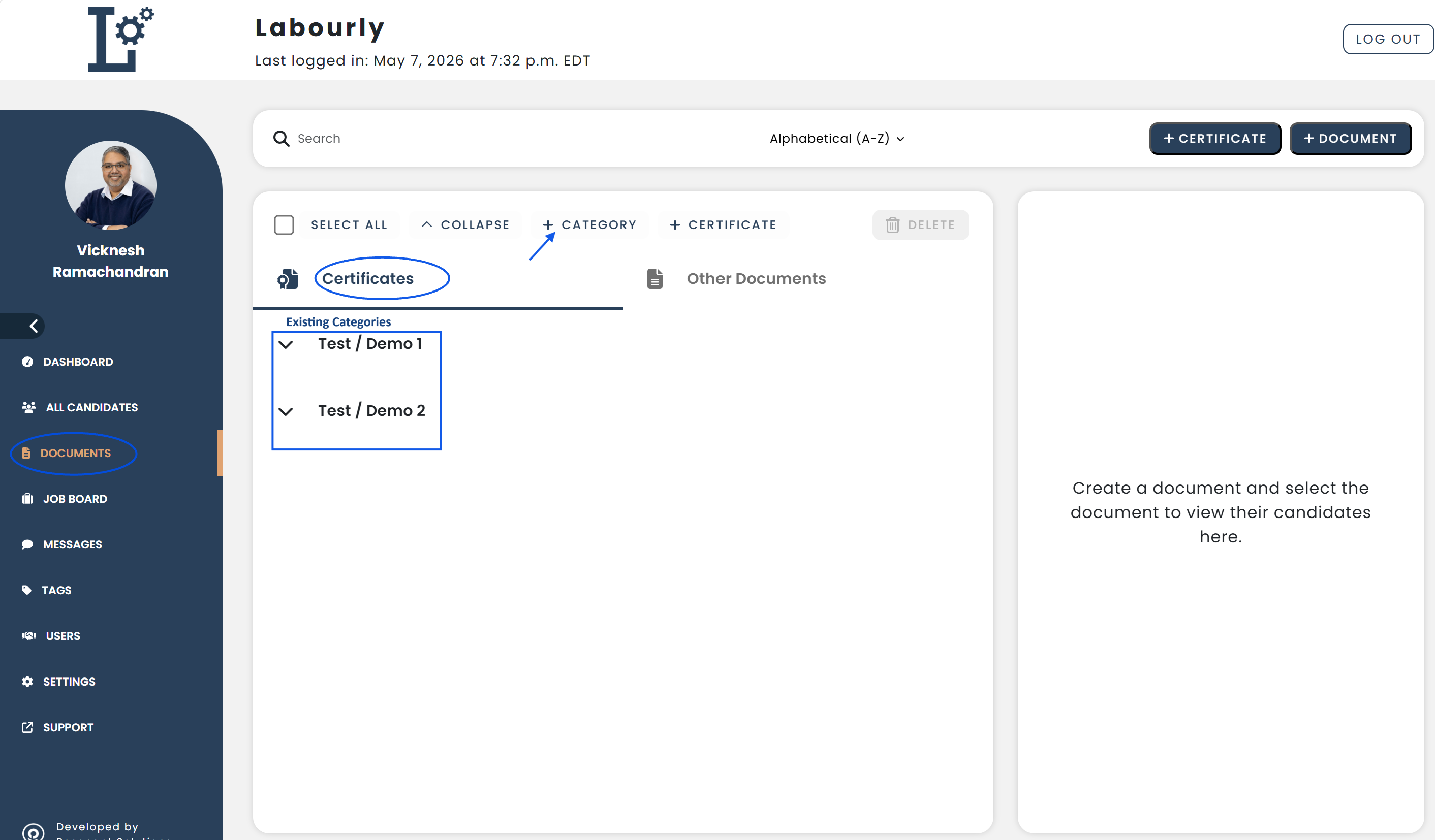
From this section, you can:
- View certification categories
- Create, edit, and delete categories
You can now begin organizing certifications using categories.See also: